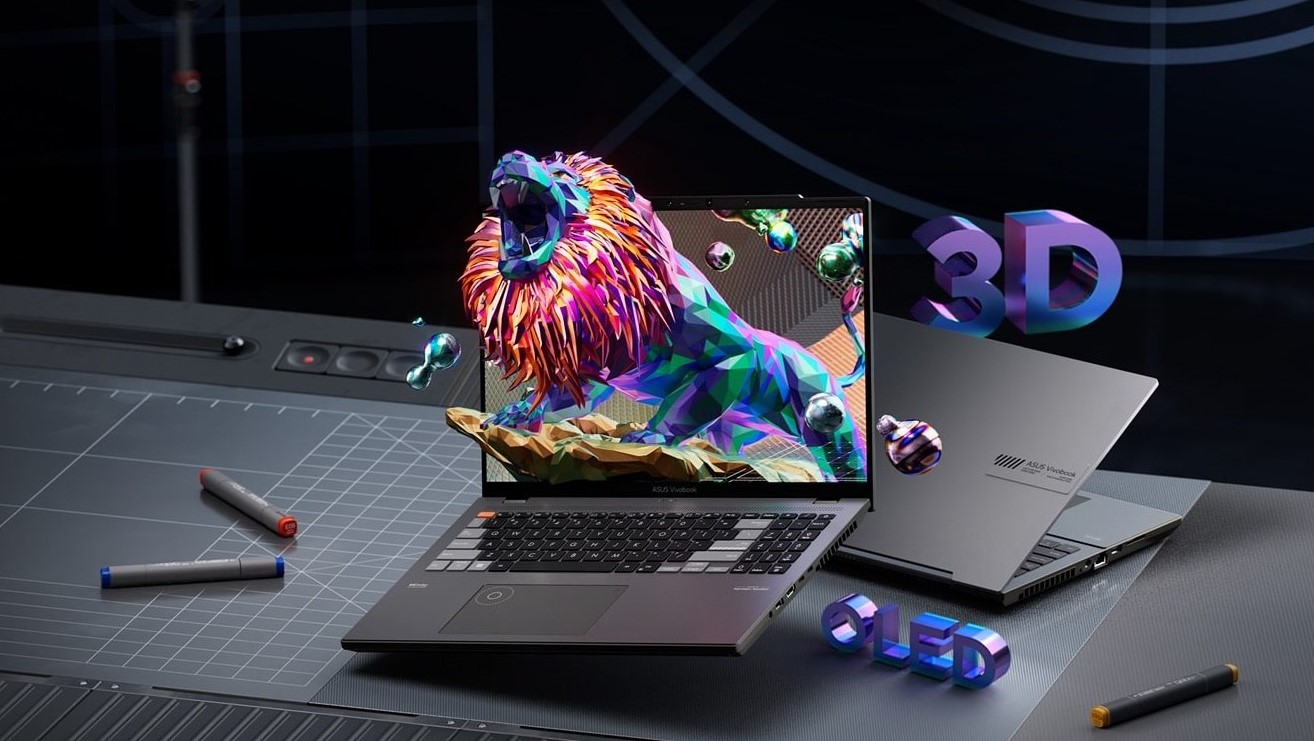
OLED laptops have quickly moved from premium niche devices to mainstream choices for creators, professionals, and even gamers. Their appeal comes from exceptional contrast, deep blacks, and vibrant color reproduction that traditional LCD panels struggle to match. However, this visual advantage comes with important trade-offs in battery life, cost, and long-term usage considerations.
When exploring options like the best OLED laptops, it becomes clear that understanding both strengths and limitations is essential before making a purchase decision.
Why OLED Displays Stand Out
OLED (Organic Light-Emitting Diode) technology works differently from traditional LCD panels. Instead of relying on a backlight, each pixel produces its own light. This allows for pixel-level control, resulting in perfect blacks and extremely high contrast.
Key visual advantages include:
- True black levels with infinite contrast
- Highly saturated and accurate colors
- Faster pixel response times for smoother motion
- Better HDR performance in supported content
These qualities make OLED especially appealing for media consumption, photo editing, and design work where color accuracy and contrast matter.
Display Quality: The Biggest Advantage
The most noticeable benefit of OLED laptops is the display itself. Whether you’re watching movies or working with visual content, the experience is significantly more immersive compared to standard IPS panels.
Modern OLED laptop screens in 2026 typically offer:
- High resolutions (2.8K to 4K options)
- Wide color gamut support (often 100% DCI-P3)
- Excellent HDR performance
- Ultra-fast response times for reduced motion blur
These improvements make OLED laptops a strong choice for creators and entertainment-focused users who prioritize visual fidelity over everything else.
Battery Life: The Hidden Trade-Off
While OLED displays are visually superior, they can impact battery life depending on usage patterns. Since OLED pixels emit their own light, bright content consumes more power compared to darker scenes.
Important considerations include:
- Dark mode usage can improve efficiency significantly
- Bright, full-screen white content consumes more power
- Battery life varies heavily by workload and brightness level
In real-world usage, OLED laptops may show slightly reduced endurance compared to equivalent LCD models, although newer panels and processors are narrowing the gap.
Some modern systems even use power-saving technologies that dynamically adjust refresh rates and voltage to improve efficiency, making OLED more practical than earlier generations.
Performance Considerations
OLED itself does not directly affect CPU or GPU performance, but it is often paired with high-end hardware. This is because manufacturers target OLED panels at premium devices designed for creators and power users.
Common performance configurations include:
- High-performance Intel Core Ultra or AMD Ryzen chips
- Dedicated GPUs in gaming or creative laptops
- Fast SSD storage for large media files and projects
- Increased RAM options (16GB–32GB+ for multitasking)
This means OLED laptops are often optimized as complete high-end systems rather than just display upgrades.
Potential Drawbacks to Be Aware Of
Despite their advantages, OLED laptops come with a few limitations that buyers should understand:
Burn-in Risk (Reduced but Still Possible)
Static elements like taskbars or UI components can theoretically cause image retention over long periods, although modern mitigation techniques have significantly reduced this risk.
Lower Peak Brightness in Some Models
Some OLED panels may not reach the same sustained brightness levels as high-end IPS or mini-LED displays, which can affect outdoor visibility.
Higher Cost
OLED laptops are generally more expensive due to advanced panel manufacturing and premium positioning.
OLED vs LCD: Choosing the Right Fit
The decision between OLED and LCD depends heavily on user priorities:
- Choose OLED if you value visual quality, contrast, and color accuracy
- Choose LCD if you prioritize battery life, affordability, and consistent brightness
For most users, OLED is best suited for creative work, media consumption, and premium productivity setups, while LCD remains strong for long battery life and budget-conscious buyers.
Final Thoughts
OLED laptops represent one of the most visually impressive upgrades in modern computing. Their ability to deliver deep blacks, vivid colors, and cinematic image quality makes them stand out immediately in everyday use. However, they are not without compromises, especially in battery efficiency and cost.
Ultimately, the best OLED laptop is one that balances display excellence with practical performance needs. By understanding these trade-offs, users can choose a device that fits both their workflow and lifestyle without surprises.